


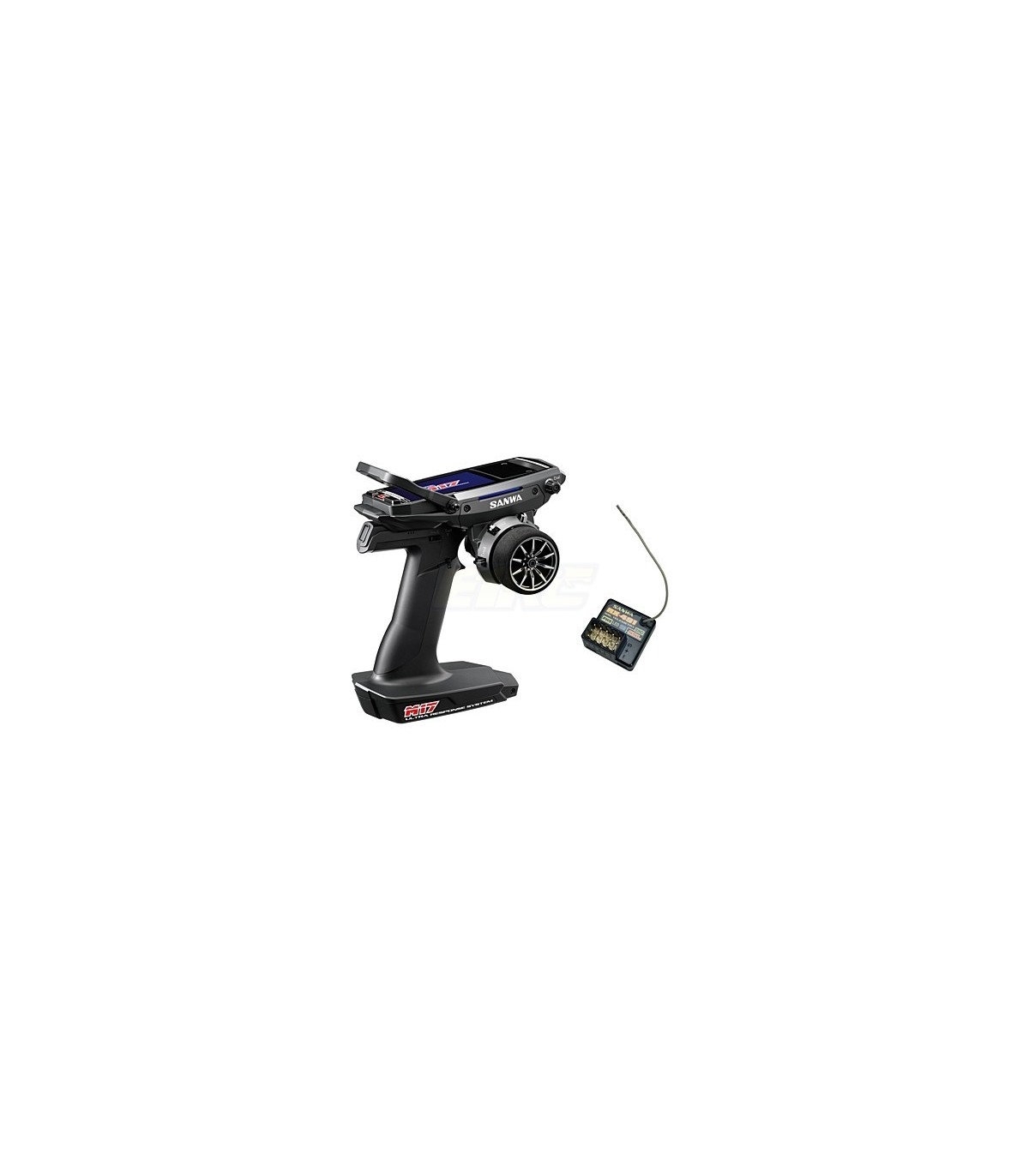
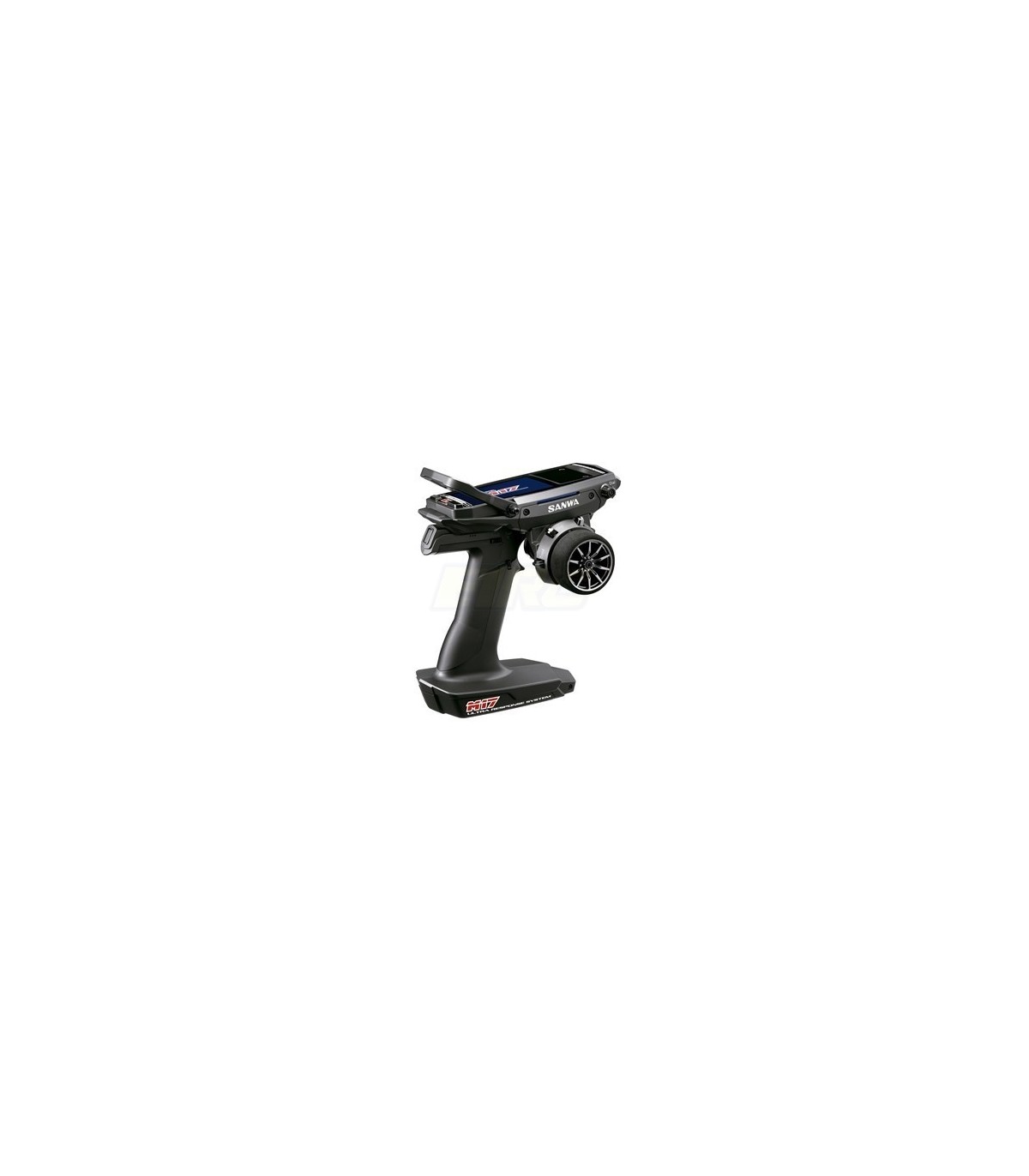


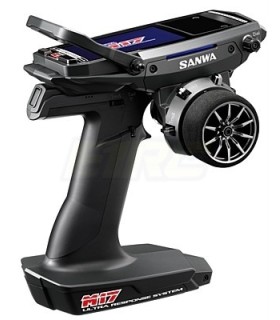
Sanwa M17 + receiver RX493 & Preinstalled Battery
Brand:


? Ultra response mode (SUR) The new "FH5" transmitter system sets a new world record for the fastest response.
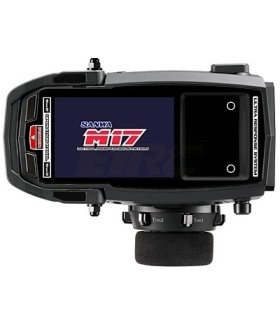
? The color screen and touch panel are easy to control.
? Lightweight (approximately 510g) and high rigidity compared to M12S
? Optimization of steering and throttle position and steering throw adjustment function
? Removable throttle unit available for drivers to change the spring (World First)
? Installed "Fine color display (480x320)"
? Touchpad can be easily and quickly set up
? Removable throttle unit installed available for drivers to change the spring
? Steering and throttle position can be optimized without moving the holder. Enhanced steering unit can increase housing strength during operation
? Enhanced steering unit available for steering throw adjustment
? Battery charging port installed and battery status can be checked while charging
? Compatible with Micro SDHC card for firmware updates, model data management, and telemetry logging
? Installed multiple setting function available to set up PGS servos to connect with the transmitter
? Compatible with SSL CODE10 and CODE5 function available to set up PGS servos and SUPER VORTEX Gen2 PRO without any connection
? Installed tilting carrying handle can be easily held and placed in the case
? Steering unit can switch positions for left-handed drivers
? Removable strap hook placed in ideal position for drivers
? Fully adjustable successful trigger can be individually adjusted
? Optional large wheel in package available for smooth operation
? Customizable with grip pad, brake trigger, angle spacer, and variable spring in package
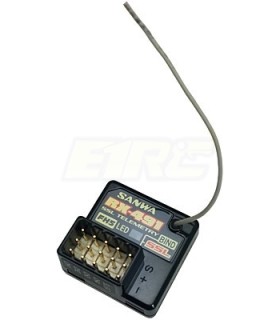
? RX-491 is a compact, waterproof receiver plugged into BIND system and short antenna
? Installed screen reader function available to sound lap time and telemetry data, and installed headphone jack can be used
? Quick and easy setup for model data and other settings through Quick Setup Wizard
The newest firmware is Ver.1.01.05.
Update contents are as follows:
? Install start function (Direct model, Quick Setup Wizard, and RX Mode)
? Install MULTI SETTING GEAR adjustment function
? Fix clock error
? Fix SPEED malfunction
? Fix LCD flickering
? Fix sensitive touch panel optimization
? Fix temperature indication error
[Steps for M17 firmware update]
1. Download firmware Ver.1.01.05.
M17_1.01.05.zip - click here
2. Create a folder "M17" in the root directory if the Micro SDHC card has never been used for M17. Then, create an "update" folder inside the M17 folder.
3. Save uncompressed "M17.prg" and "M17.res" in the "update" folder
4. Insert the micro SD card into M17. (Please pay attention to the Micro SD direction)
5. Go to the SYSTEM menu and choose SD-CARD.
6. Click on FIRMWARE and enter [UPDATE].
7. It will display "UPDATE OK?" and choose "YES"
8. Start the update and wait until it finishes.
* DO NOT TURN OFF M17 or REMOVE THE Micro SD card during the update.
Please check the multiple gear setting function in the following link.
? Multiple settings manual for M17.pdf
? The firmware can be applied to firmware version ver.1.01.03 and later.
If using firmware Ver.1.01.00, the M17 must be returned.
Contact our distributor in your country or send an email to general@sanwa-denshi.co.jp
16 other products in the same category:


Reference: 101A33073A
€699.00
PRE-BOOKING - AVAILABLE FROM 15 JUNE. AVAILABILITY CANNOT BE GUARANTEED AS THERE ARE VERY FEW UNITS AVAILABLE WORLDWIDE. IN CASE OF NON-AVAILABILITY, THE MONEY WILL BE REFUNDED THROUGH THE SAME MEANS OF PAYMENT.
Reference: 101A32471A-2
€613.00
Station Sanwa M17 + 2 Receivers (1xRX-493+ 1xRX482) with integrated battery
Out-of-Stock




NEW


Reference: 101A33071A
€699.00
PRE-BOOKING - AVAILABLE FROM 15 JUNE. AVAILABILITY CANNOT BE GUARANTEED AS THERE ARE VERY FEW UNITS AVAILABLE WORLDWIDE. IN CASE OF NON-AVAILABILITY, THE MONEY WILL BE REFUNDED THROUGH THE SAME MEANS OF PAYMENT.


Reference: FPT3PV
€118.90
APPROXIMATE DELIVERY TIME 4 TO 5 DAYS


NEW

NEW


Reference: 101A33072A
€699.00
PRE-BOOKING - AVAILABLE FROM 15 JUNE. AVAILABILITY CANNOT BE GUARANTEED AS THERE ARE VERY FEW UNITS AVAILABLE WORLDWIDE. IN CASE OF NON-AVAILABILITY, THE MONEY WILL BE REFUNDED THROUGH THE SAME MEANS OF PAYMENT.