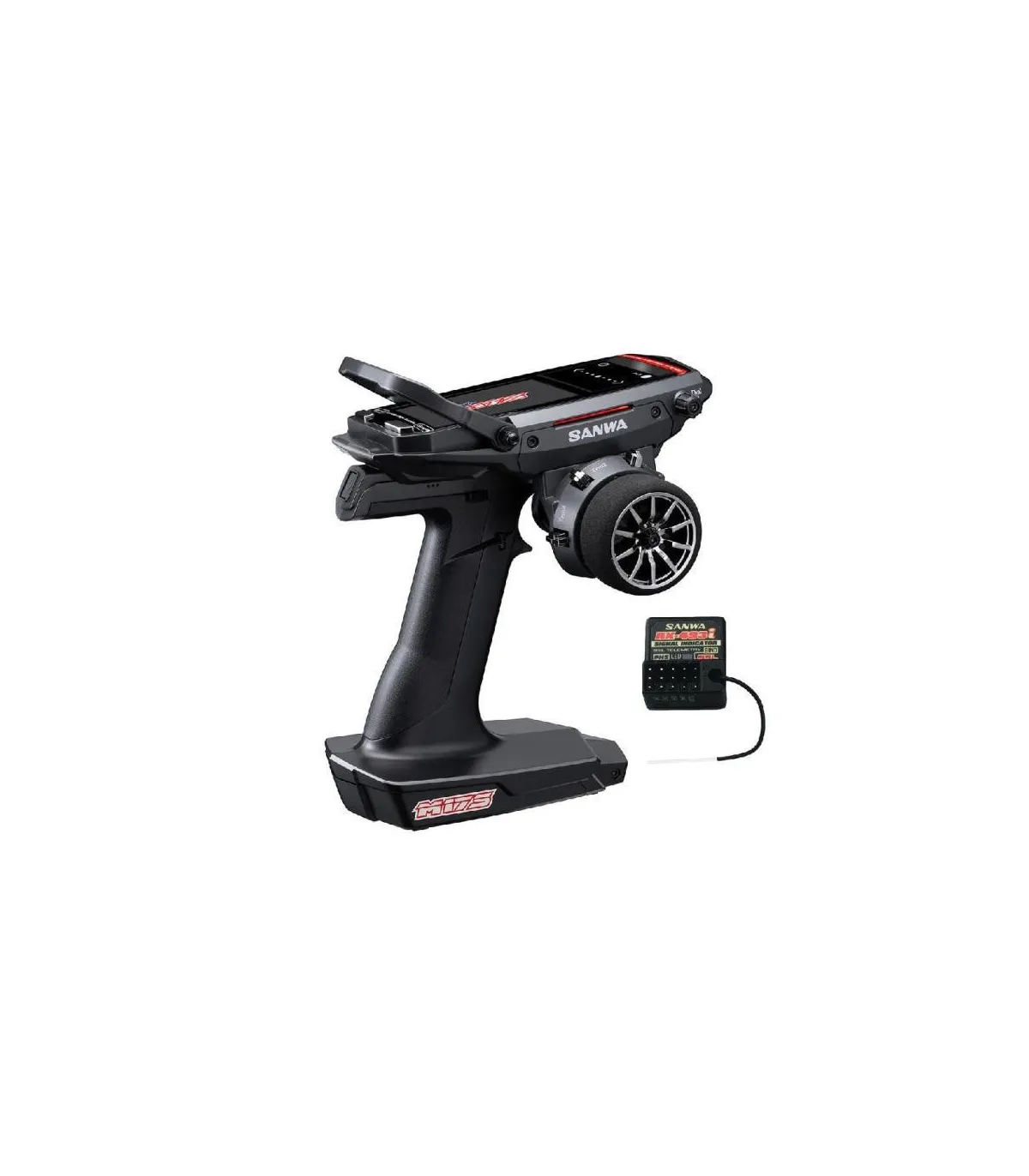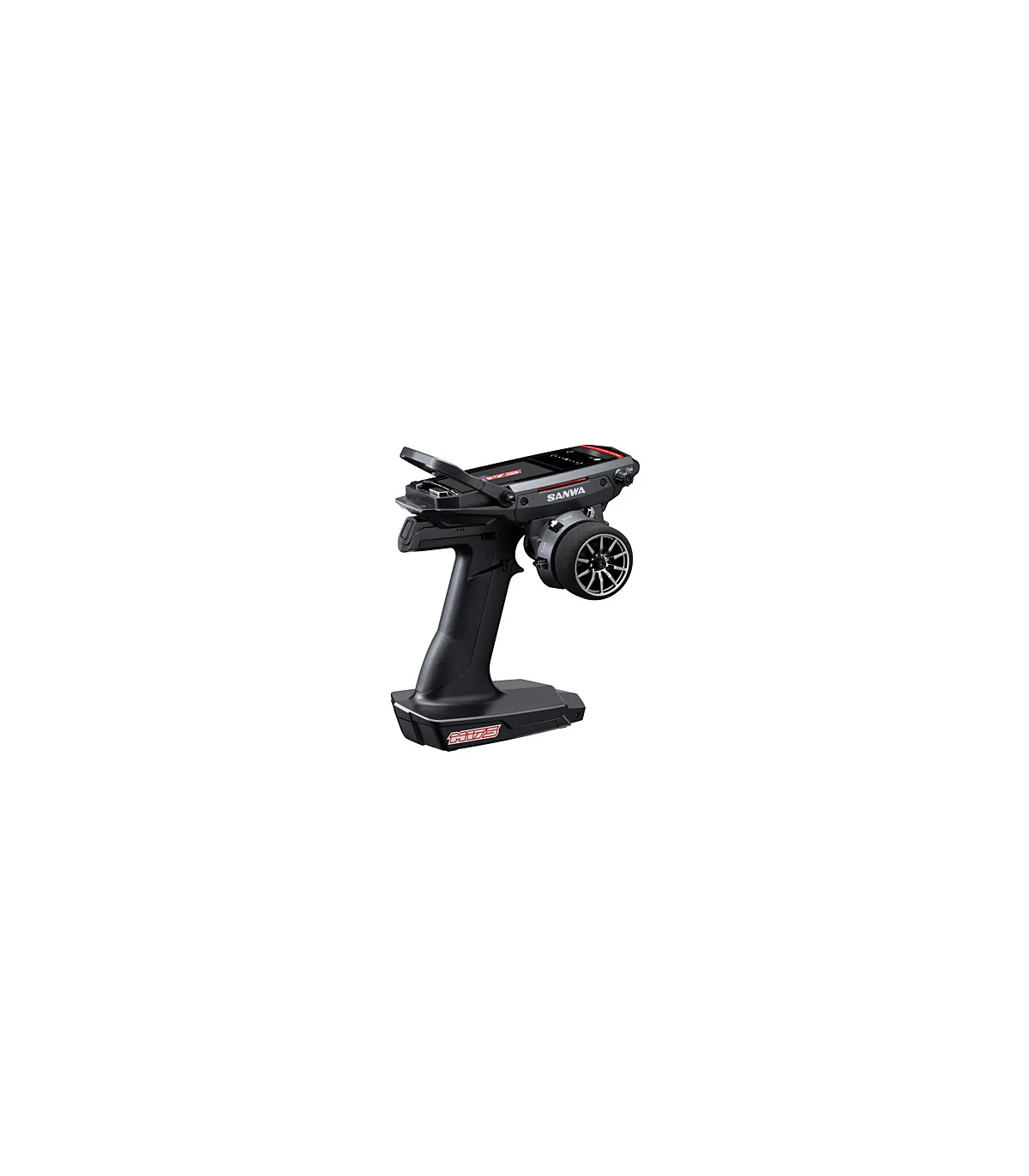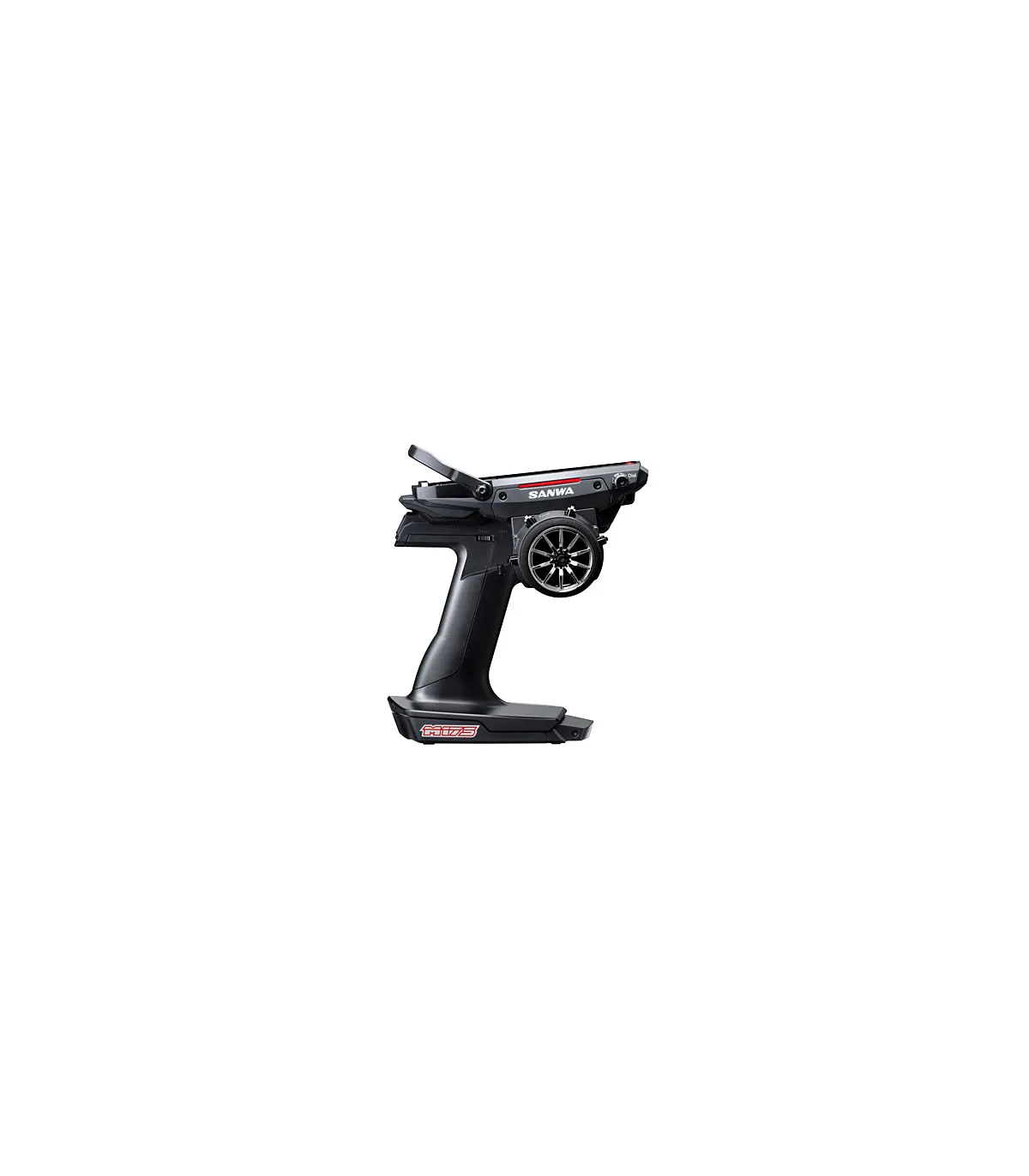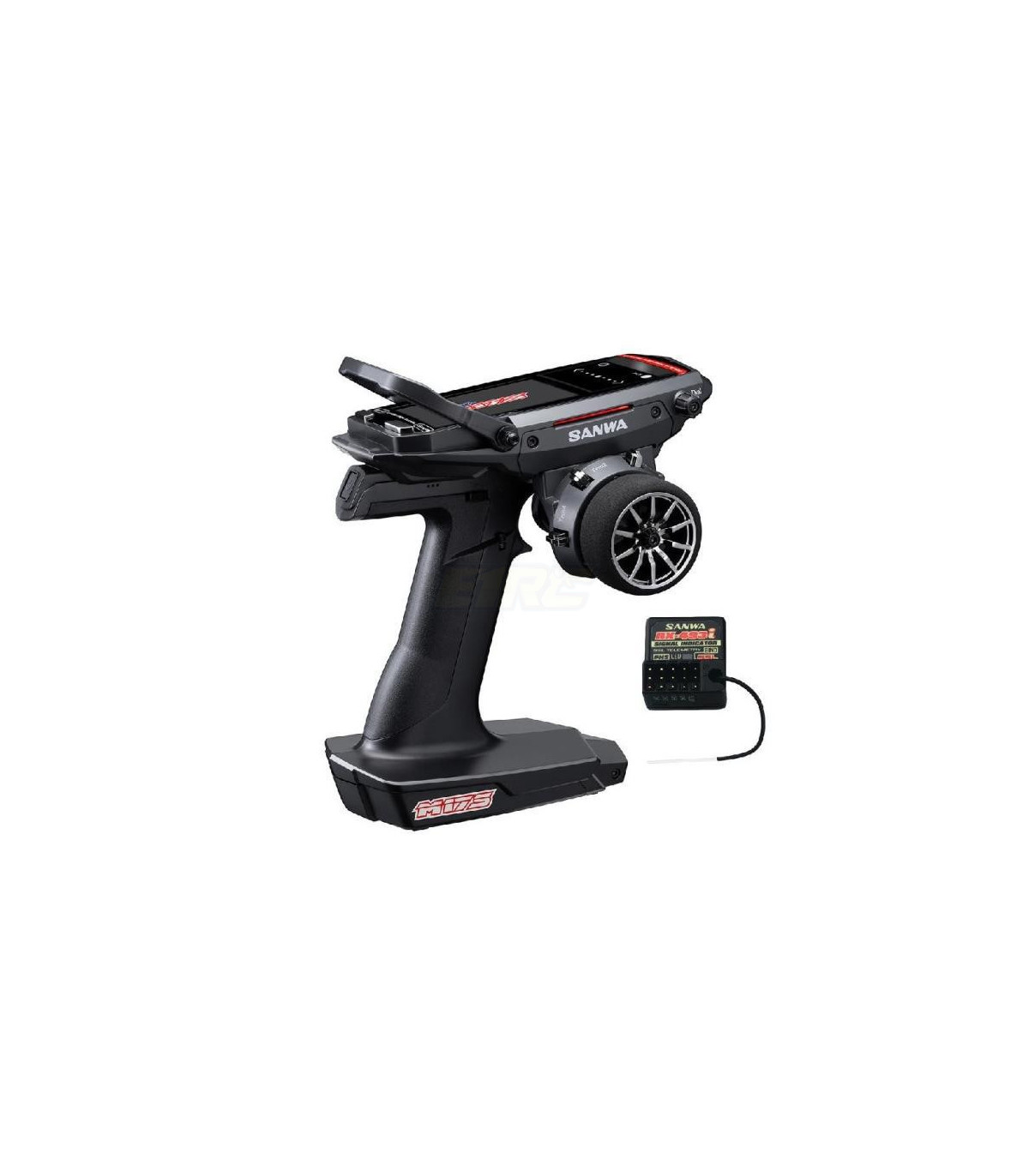
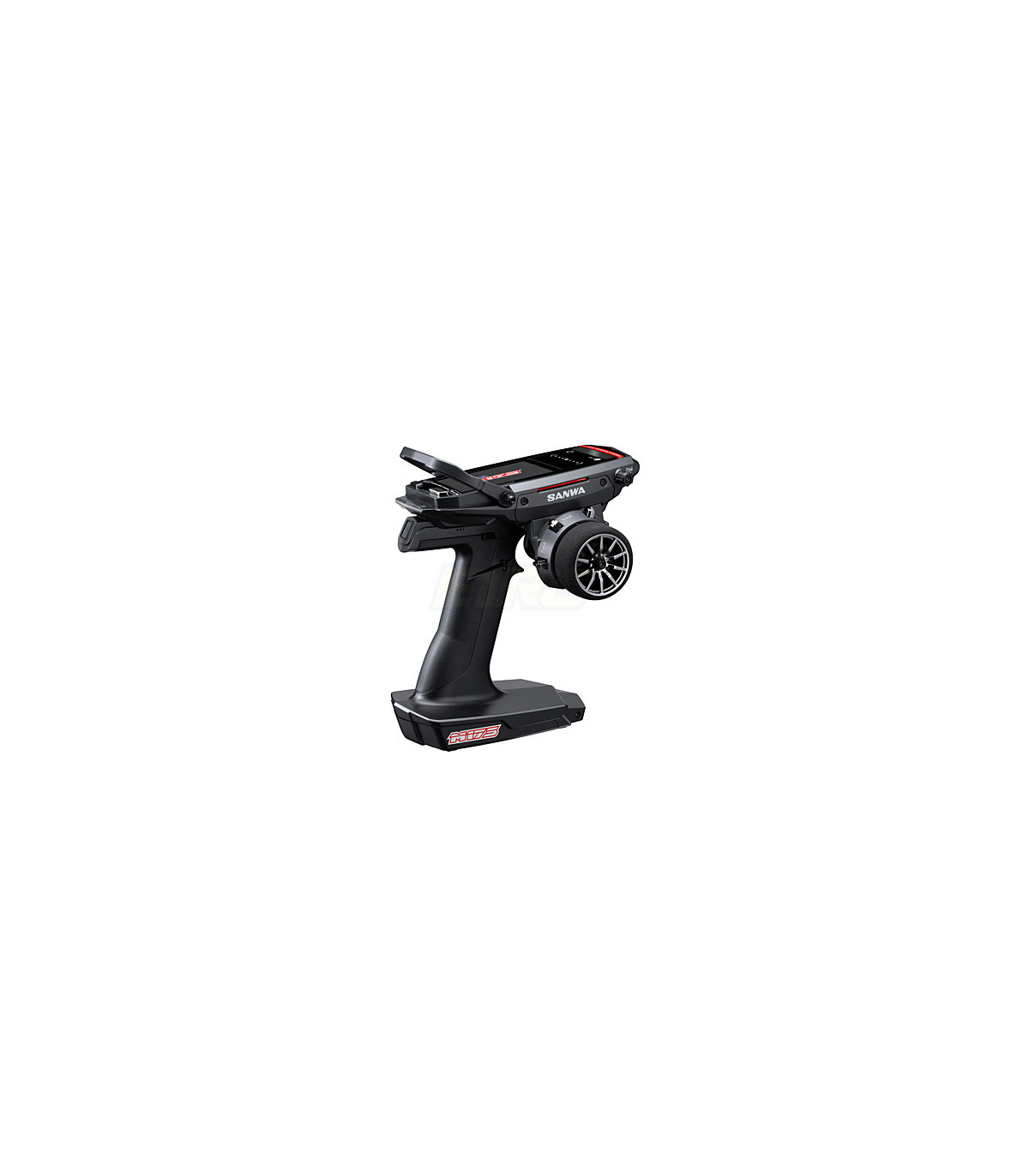


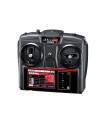
Sanwa M17S FH5 with 493I receiver and battery
Brand:
APPROXIMATE DELIVERY TIME OF ABOUT A WEEK DEPENDING ON DISTRIBUTION STOCK
€599.00
Reference:
S.101A32971A

The new Sanwa M17S features the new 'FH5U' protocol system, which can process double the information compared to the FH5. This means a more natural operation and faster response, perfectly in harmony with the SXR mode of the servos!
The Sanwa M17S is by far the fastest radio in the world!
FH5U protocol with unmatched response
The world's first MOTION STEERING function allows you to steer your model by tilting the remote control!
Reception quality indicator
Improved display speed for smoother navigation
Enhanced interface
Direct access to models
Quick menu assistant
Customizable interface colors
Numerous simplified functions
LP1-2500mAh battery, rechargeable via USB Type-C
Compatible only with FH5/FH5U receivers (RX-49...)
Configurable Feeling function from 25 segments (M17 configurable from 7 segments)
Features:
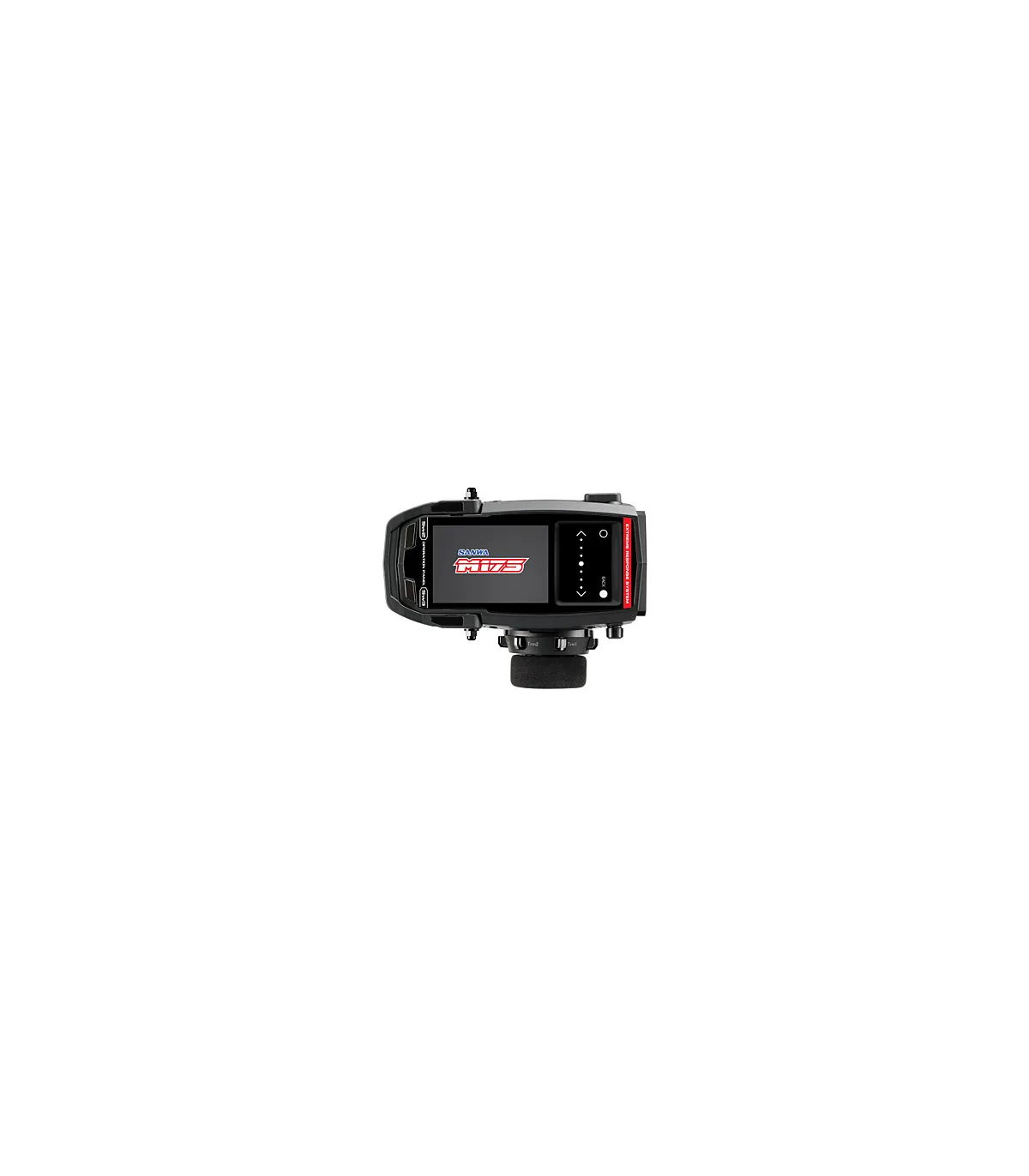
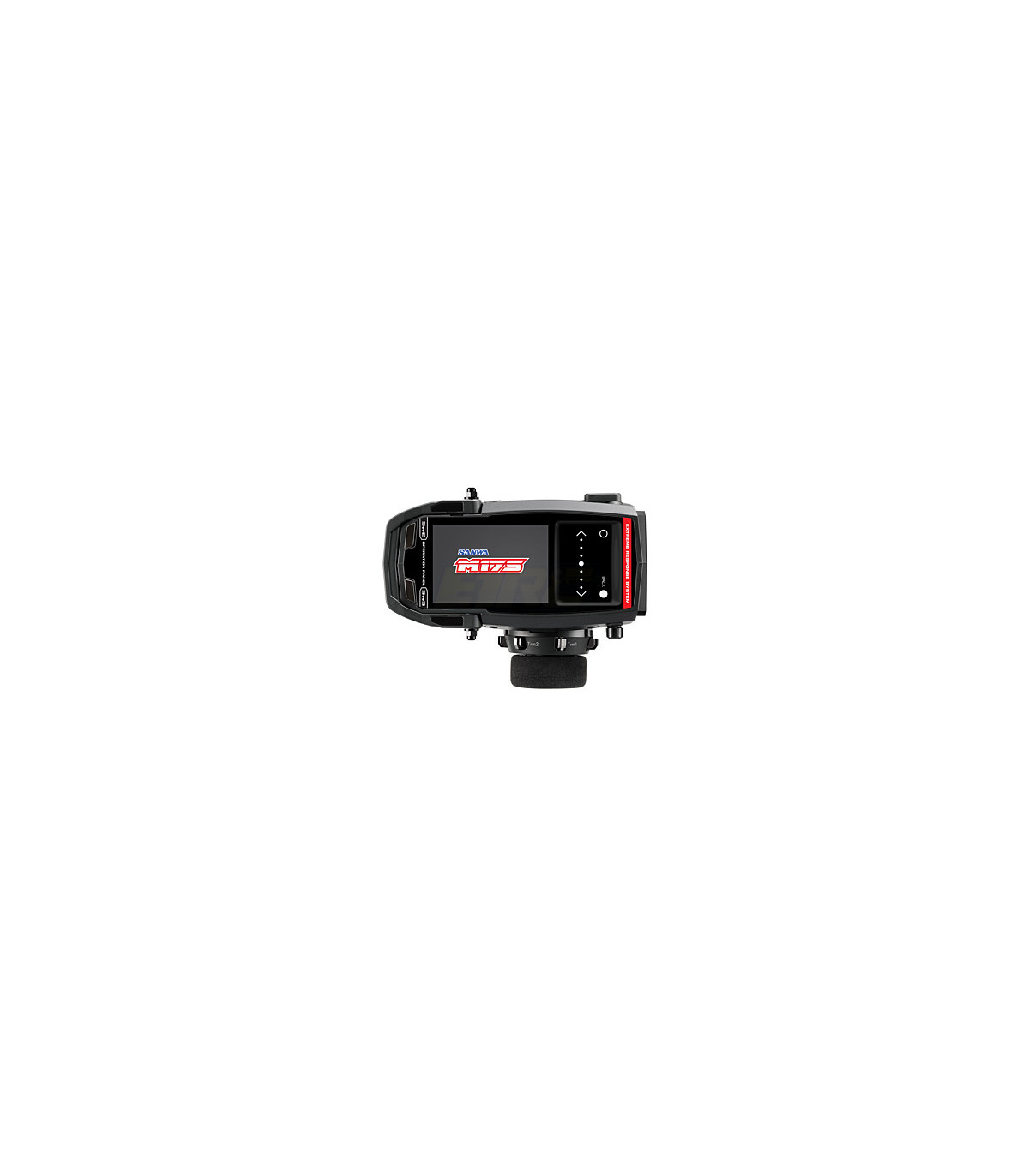
Color LCD screen
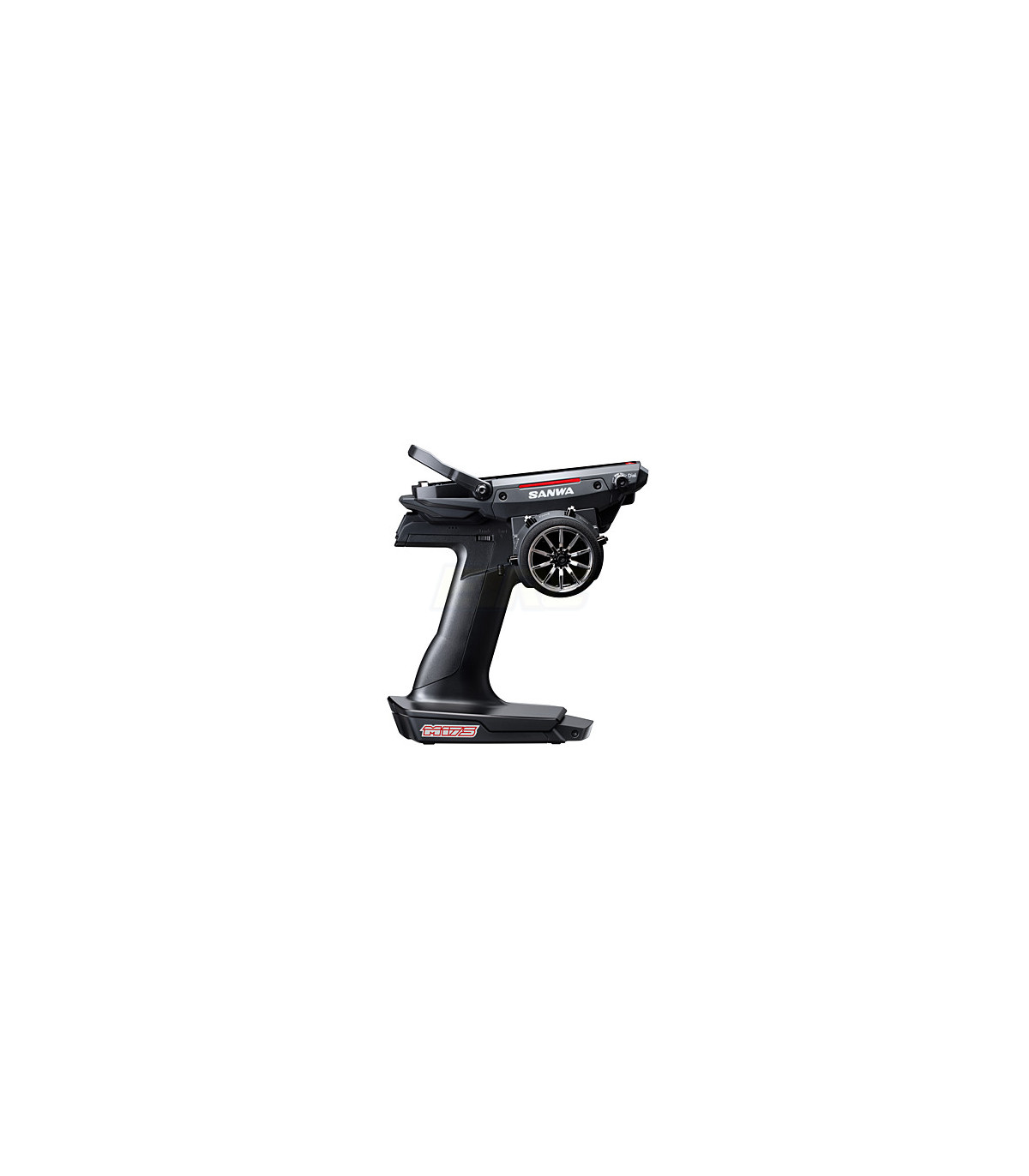
Right or left-handed positioning
Touchscreen
Integrated antenna
Separate steering/throttle functions
Fully customizable throttle trigger
Touch function
Safety Link function (one model can operate with a single receiver, ideal for dual-category racing)
Race mode
Double speed
End point adjustment
ABS
Servo speed adjustment
Offset function
Trim/Sub Trim quickly accessible on the wheel
Servo direction inversion
Exponential function
Fail Safe function
Lap counter and stopwatch
Model memory with customization and quick access
Response mode (SUR/SSR/SHR/NOR)
Servo position monitor
Button customization
Vibration function
Calibration
Large wheel included
2 large/small control sticks included
Compatible receivers: telemetry compatible (RX-493i, RX-492i, RX-49T, RX-493, RX-492, RX-491).
Accessories:
Large wheel included
2 large/small handles included
Strap loop for lanyard
Accessories for right or left-handed users
Thicker or thinner brake trigger (+1/+2)
Steering and throttle springs (hard, medium, soft, super soft)
Firmware: 1.00.03 (minor bug fixed)
How to update to Firmware 1.00.03
1. Download firmware Ver. 1.00.03
M17S.zip ?click here to download
2. Please create an "M17S" folder in the root directory. Then, create an "update" folder inside the M17S folder
3. Save the unzipped "M17S_firm_1.00.03.prg" and "M17S_lamg_ENG.res" in the "update" folder.
(The attached file is already in a folder and can be placed on micro SDHC)
*The SDHC card format must be FAT32.
*1-2 process using a computer or smartphone
4. Insert the micro SD card into M17S (Please be careful of the Micro SD direction)
5. Go to the SYSTEM menu and select SD-CARD
6. Click on FIRMWARE and enter [UPDATE].
7. "Update OK?" will appear, choose "YES".
8. Start the update and wait until it finishes
9. When the update is complete, it will display "COMPLETED!"
10. The firmware update for the M17S has been completed
If updating from 1.01.00, please follow additional steps.
1. After the M17 restarts, it requires a firmware update
2. Go to System and select SD CARD
3. Select LANGUAGE and UPDATE
4. "Update OK?" will appear, choose "YES".
5. Once finished, it will display "Completed!".
6. And select "YES"
7. Once the factory reset is complete, the M17S update will be finished.
Perform "Factory Reset" in the SYSTEM menu
*Error 3 (touch pad calibration error) will persist until Factory Reset is completed
*Please save your model data before the Factory Reset.
Once the factory reset is done, all model data will be erased.
* When inserting the Micro SDHC card, please ensure the direction of the Micro SD card.
Insert the Micro SD card slowly and push it until you hear a click.
Then, check that the Micro SD card is correctly inserted into the SD card slot of the transmitter.
If you remove the Micro SD card during the update, the transmitter may not turn on.
*When updating the firmware and language files, fully charge the transmitter before starting the update.
*In case of a power drop during the update, the firmware and language file updates may not complete, and the transmitter may not turn on.
may not complete and the transmitter may not turn on.
*If the transmitter cannot be turned on during the update,
please contact our distributor in your country.
Color LCD with opaque dots (480x320).
16 other products in the same category:

NEW



NEW


NEW



NEW


NEW



Reference: FPT4PMP
€258.90
The Futaba T4PM Plus (FPT4PMP) transmitter is the ultimate solution for pilots who demand peak performance in competition. This 4-channel transmitter incorporates the R304SB receiver, providing a reliable and precise...


NEW
Reference: S.101A33171A
€699.00
DELIVERY TIME ONE WEEK DEPENDING ON DISTRIBUTION STOCK